
- Select the preferred report filters as usual (See About? And HowTo? help buttons).
- Click on the Open Report
- It may take a few seconds to generate the report. If the report was successfully generated, you will see a popup similar to Figure 1. Notice the buttons that become visible when you hover near the bottom of the popup.
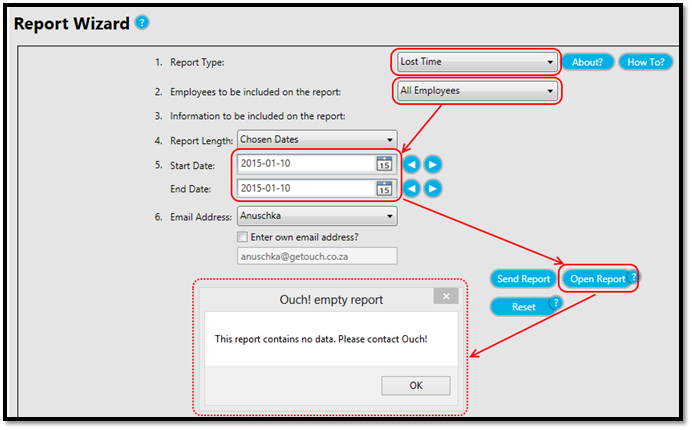
- If the report is empty and no data was returned, a notice will be displayed as in Figure 2.
- If an error occurred and the report could not be generated successfully, you will also be notified.
Note that using this function will not email the report to you but simply show the report on-screen.
Figure 1
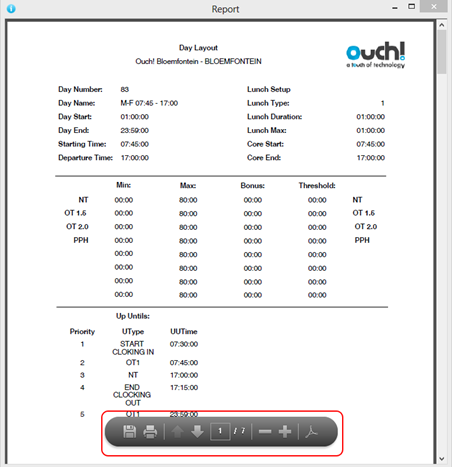
Figure 2
Comments
0 comments
Please sign in to leave a comment.