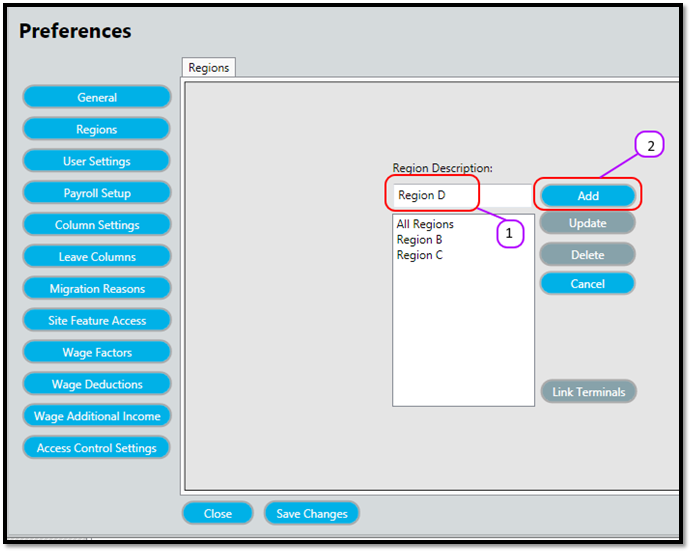
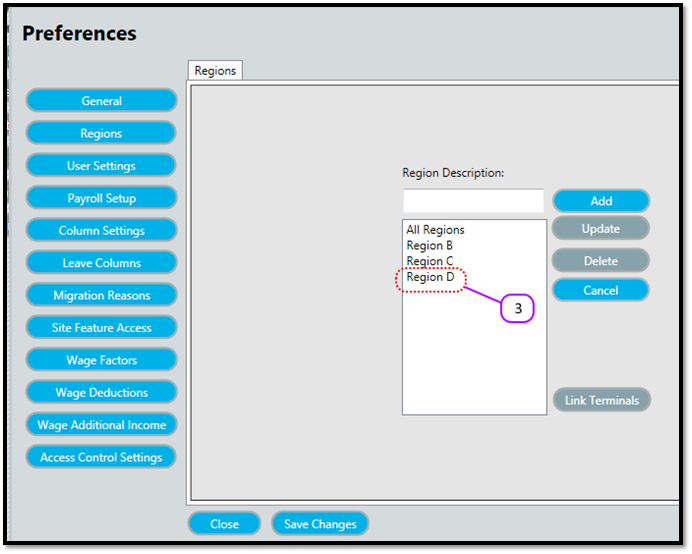
How to add a region Kevin Howell July 31, 2017 09:41 Follow Type the description of the new region in the Region Description text box. (See Figure 1) Click the Add (See Figure 1) Notice how the new region appears in the Regions List. (See Figure 2) Figure 1 Figure 2 Comments 0 comments Please sign in to leave a comment.

Comments
0 comments
Please sign in to leave a comment.