
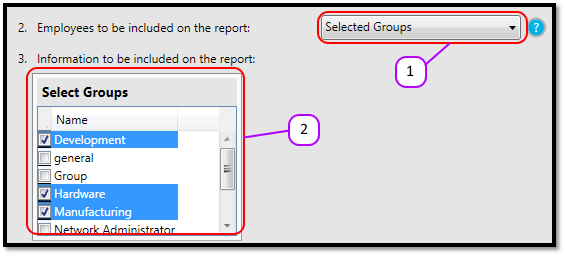
- Select Selected Groups from the Employees to be included on the report drop down. (See Figure 1)
- Select the Groups from the list by clicking on the check boxes next to the group name. (See Figure 1)
Please note: Each group will be on a separate report in your inbox.
- Continue drawing the report as normal.
Figure 1
Comments
0 comments
Please sign in to leave a comment.