
- Select the payroll you want to remove from the Linked Payroll (see Figure 1)
- Click the Remove (see Figure 1)
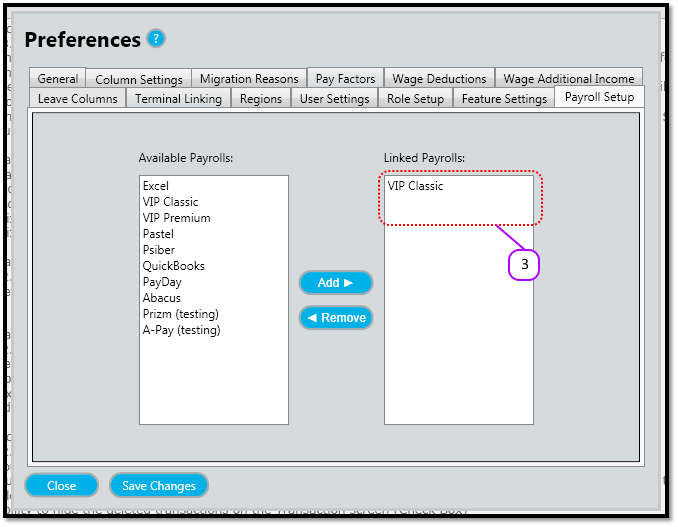
- Notice that the payroll no longer appears in the Linked Payroll (see Figure 2)
- The Payroll will be removed from the Export Payroll link on the Main Menu the next time you log into Messenger.
Figure 1
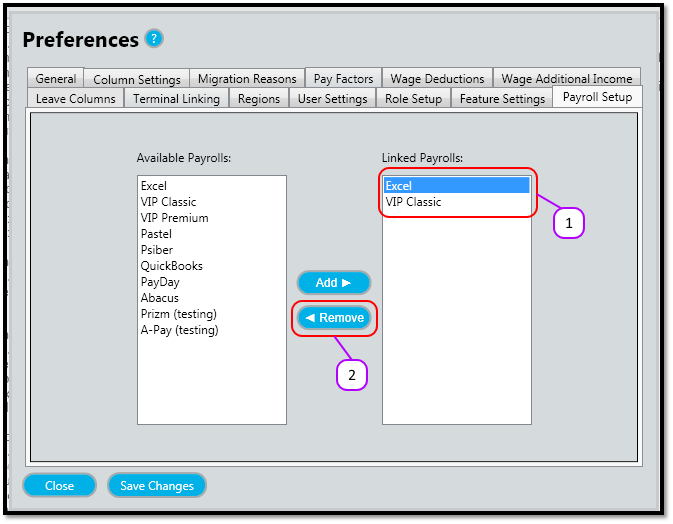
Figure 2
Comments
0 comments
Please sign in to leave a comment.