
- Enter the Description of the additional income. (see Figure 1)
- Enter the Default Amount for the additional income. (see Figure 1)
- Check the Taxable check box if the additional income is taxable. (see Figure 1)
- Click the Add (see Figure 1)
- Notice a pop-up appears to tell you the additional income was added successfully. (see Figure 2)
- Click the OK (see Figure 2)
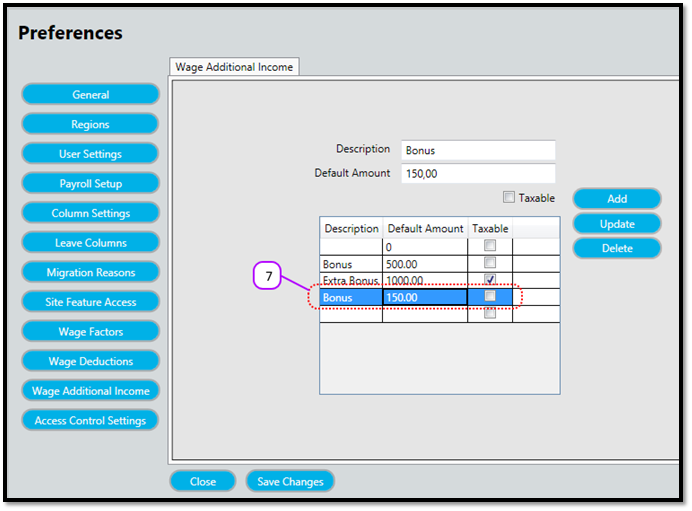
- Notice that the additional income now appears on the additional income (see Figure 3)
Figure 1
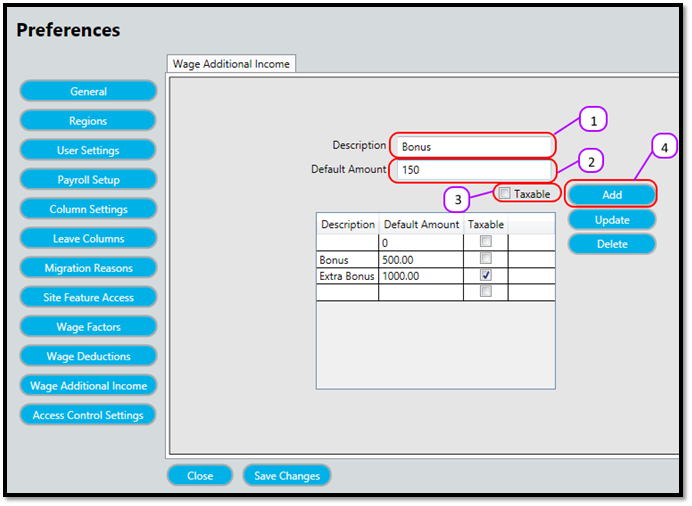
Figure 2
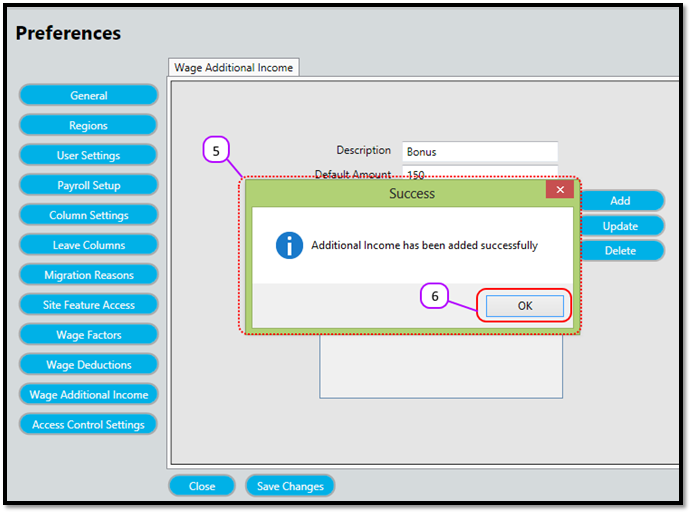
Figure 3
Comments
0 comments
Please sign in to leave a comment.