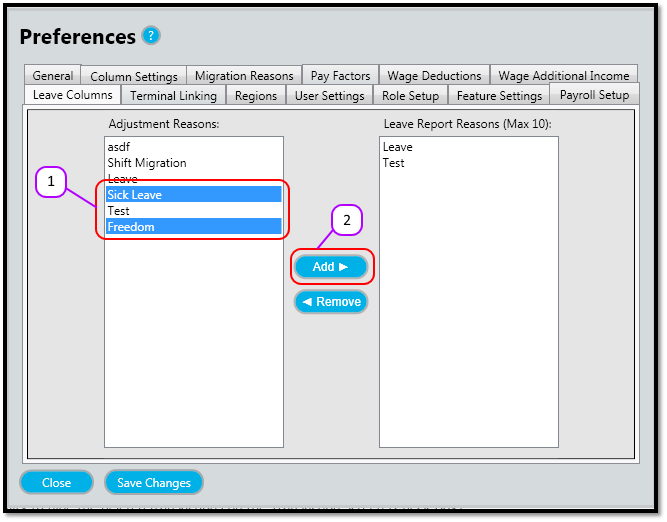
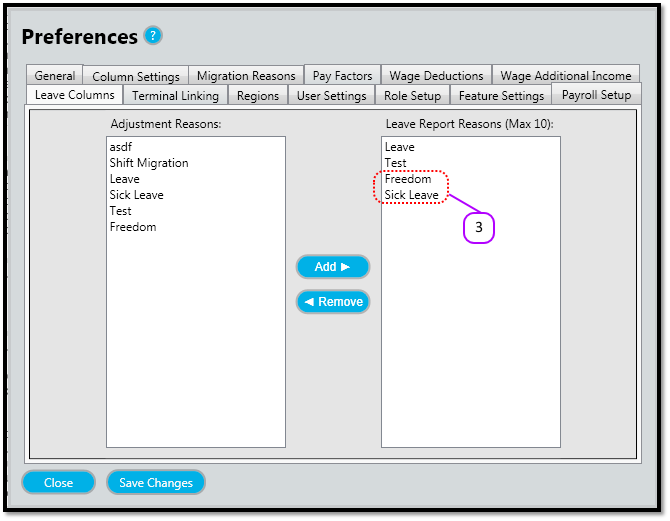
How to add leave columns Kevin Howell July 31, 2017 09:22 Follow Click on each Adjustment Reason you want to attach to the Leave Report. (See figure 1) Click the Add (See figure 1) Notice how the values appear in the Leave Reports Reasons (See figure 2) Figure 1 Figure 2 Comments 0 comments Please sign in to leave a comment.

Comments
0 comments
Please sign in to leave a comment.