- Click on each Leave Report Reason you want to detach from the Leave Report. (See figure 1)
- Click the Remove (See figure 1)
- Notice how the values disappears from the Leave Reports Reasons (See figure 2)
Figure 1
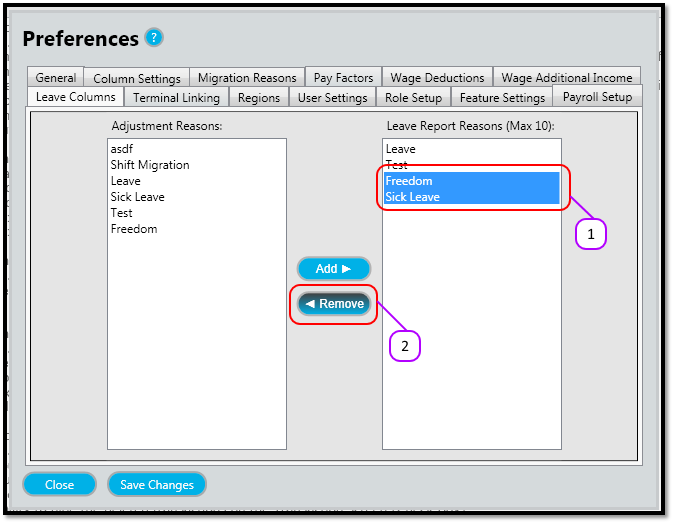
Figure 2
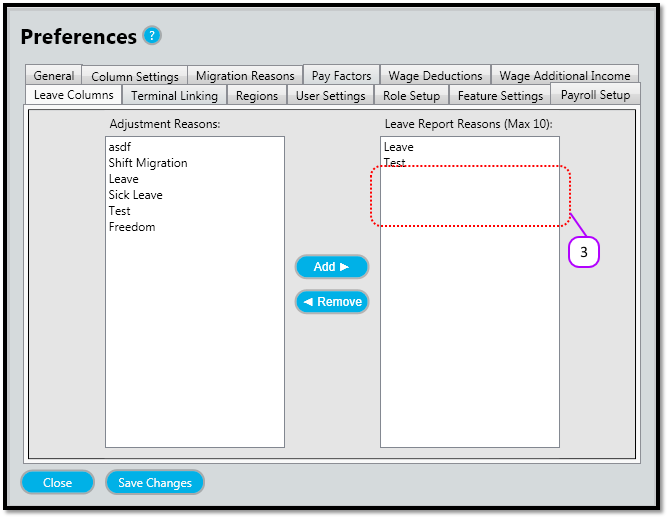

Figure 1
Figure 2
Comments
0 comments
Please sign in to leave a comment.