
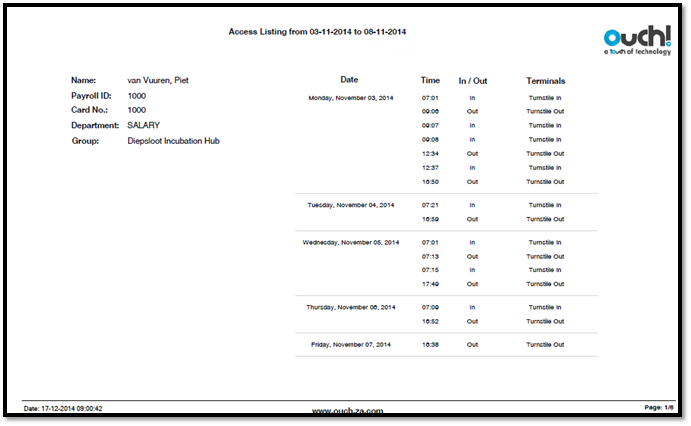
The Excel Access Listing report shows a list of all the in and out access clockings for each employee made in an area controlled by an Ouch! Clock. These transactions do not affect the employees’ timesheet unless you have also marked Ouch! Clock as both an Access Clock and Clockings Clock for the employees’ role.
This report also shows which Ouch! terminal the access transaction was made on. Access transactions cannot be manually added on Messenger.
See Figure 1 for an example of an Excel Access Listing Report.
Figure 1
Comments
0 comments
Please sign in to leave a comment.