
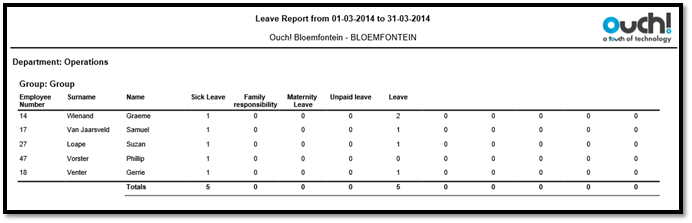
The Leave report shows the number of days an employee has been on leave. The leave is detected by inserting adjustments for the employee on the days the employee is on leave.
The Leave Reasons can be setup through the Preferences screen, found under Setup in the Main Menu of Messenger. You can have a maximum of 10 leave reasons on the Leave report.
See Figure 1 for an example of the Leave report.
Figure 1
Comments
0 comments
Please sign in to leave a comment.