
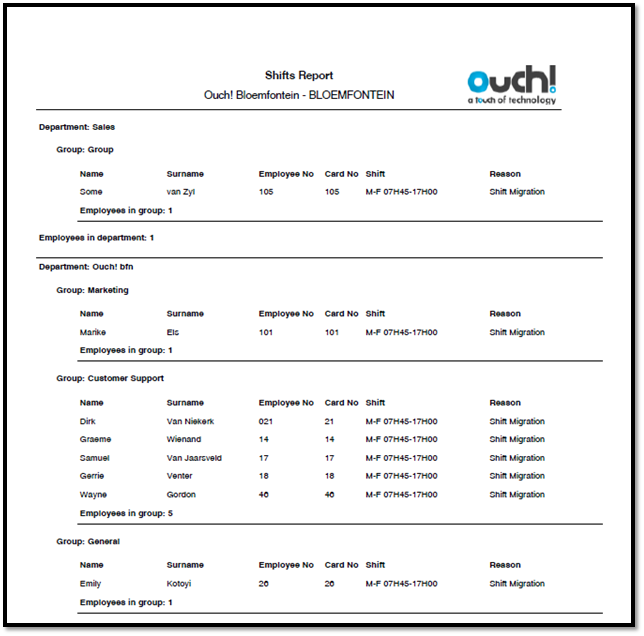
The Shifts report works pretty much like an Employee Listing but shows a list of employees with their shifts and reason. If James is on shift A until 18/03/2015 and start on shift B the 19/03/2015 and you select the ‘End Date’ for the report as 18/03/2015, then the shift on the report for James will show A. If you select the End Date as 20/03/2015, then shift B will show for James.
So only the End Date is enabled for the Shifts Report.
See Figure 1 for an example of a Shifts Report.
Figure 1
Comments
0 comments
Please sign in to leave a comment.